
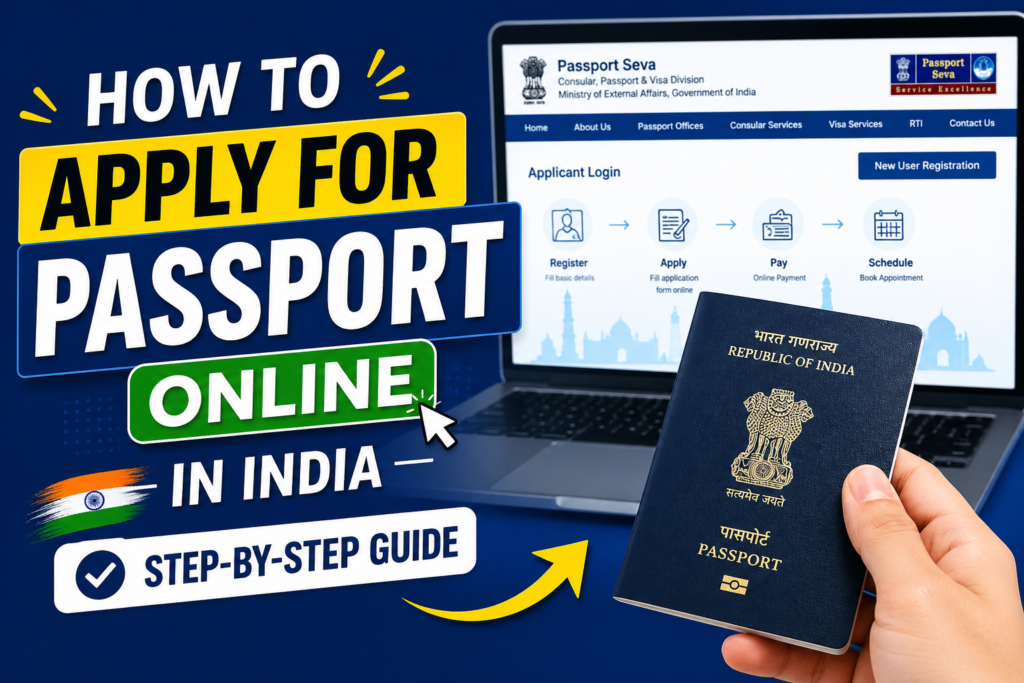
How to Apply for Passport Online in India:- Applying for an Indian passport has become simple and convenient thanks to the Passport Seva Portal (PSP), the official online platform managed by the Ministry of External Affairs. Whether you’re applying for a fresh passport, a renewal, or a re‑issue, this guide will walk you through the entire process.
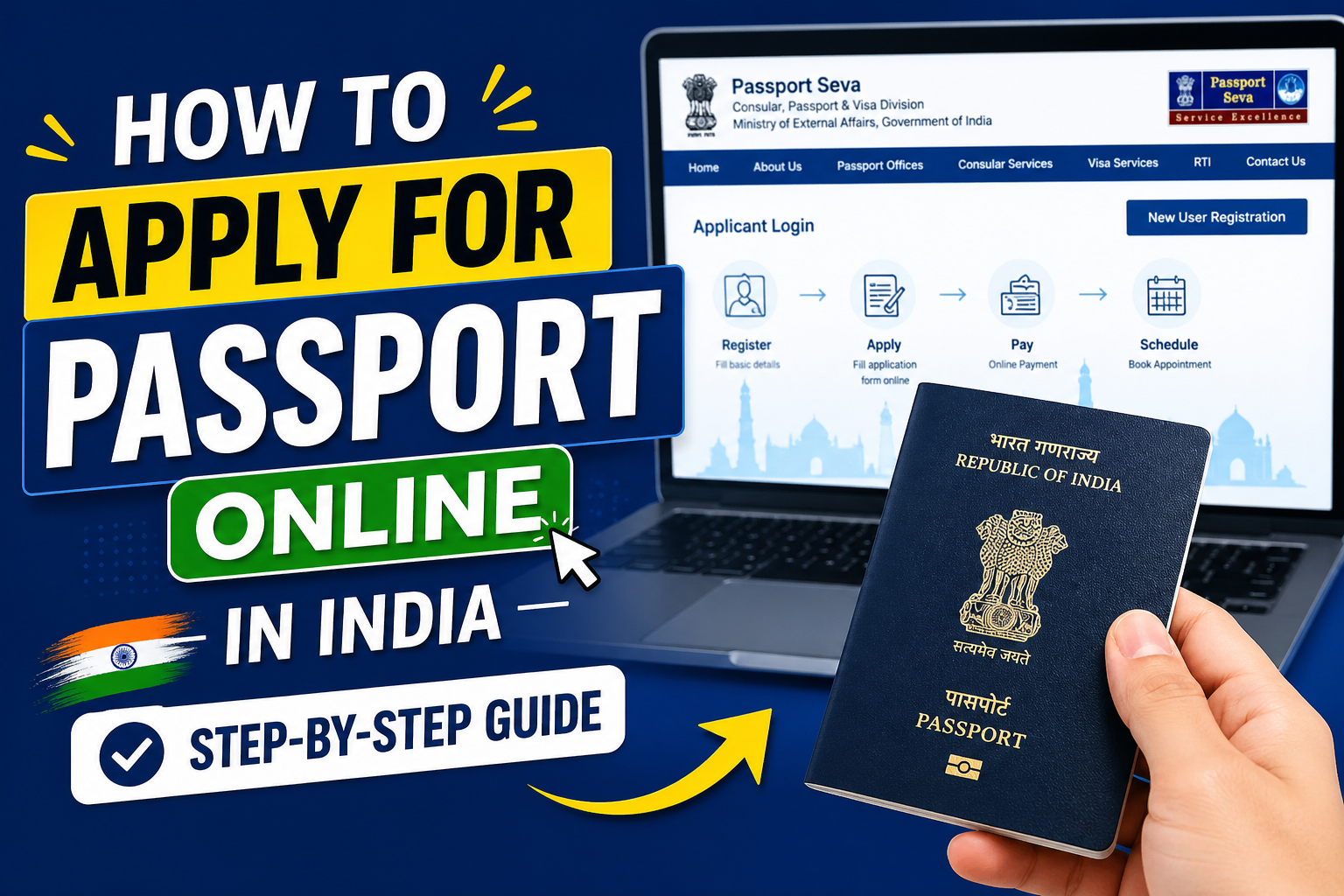
What is the Passport Seva Portal?
The Passport Seva Portal is a digital service that allows Indian citizens to:
- Apply for new passports
- Renew expired passports
- Re‑issue lost or damaged passports
- Update personal details
This system eliminates long queues, ensures faster processing, and provides transparency.
👉 Official Portal: passportindia.gov.in
Step‑by‑Step Process
1. Create an Account
- Visit the Passport Seva Portal
- Click New User Registration
- Select your nearest passport office
- Enter personal details (name, DOB, email, login ID)
- Set a strong password and verify via email
2. Log In & Choose Application Type
- Go to Applicant Home
- Select Apply for Fresh Passport / Re‑issue Passport
- Choose the correct option based on your need
3. Fill the Application Form
- Provide personal, family, and address details
- Add emergency contact information
- Enter passport history (if applicable)
- Double‑check spelling and ensure details match Aadhaar
4. Upload Required Documents
Common documents include:
- Aadhaar Card
- Birth Certificate (for minors/first‑time applicants)
- Voter ID / Driving License
- Proof of Address (utility bill, rent agreement, bank passbook)
- Old Passport (for renewal)
📌 Tip: Upload clear PDF copies with matching details.
5. Pay Passport Fee Online
- Payment options: Debit/Credit Card, Net Banking, UPI, SBI Challan
- Approximate fees:
- Normal Passport (36 pages): ₹1,500
- Tatkal Passport: ₹3,500
- Renewal/Re‑issue: ₹1,500
6. Schedule Appointment
- Select nearest Passport Seva Kendra (PSK) or Post Office PSK
- Choose date and time
- Download and print the appointment slip
7. Visit PSK for Verification
Carry:
- Appointment slip
- Original documents + photocopies
- Old passport (if applicable)
At PSK:
- Document verification
- Biometrics (fingerprints, photo)
- Short interview
8. Police Verification
- A police officer visits your residence
- Verifies address and identity documents
- May confirm details with neighbors
9. Track Application Status
- Use File Number and Date of Birth on the portal
- Updates are shown at each stage
10. Passport Delivery
- Once approved, passport is printed and dispatched via Speed Post
- Track delivery using India Post tracking ID
Types of Passports
- Normal Passport – Valid for 10 years, standard travel
- Tatkal Passport – Urgent processing, higher fee
- Diplomatic Passport – For diplomats and officials
- Official Passport – For government employees on duty
Common Reasons for Rejection
- Name/date mismatch with Aadhaar
- Incorrect address proof
- Spelling errors in form
- Incomplete documents
- Absence during police verification
Expert Tips for Fast Approval
- Use Aadhaar as primary proof
- Keep address documents updated
- Opt for Tatkal if urgent
- Be available for police verification
- Double‑check all entries before submission
Final Thoughts
Applying for a passport online is now efficient, transparent, and user‑friendly. By following this step‑by‑step guide, you can avoid delays and ensure smooth approval. Whether it’s your first passport or a renewal, the Passport Seva Portal makes the process hassle‑free.
